AmineMerger GUI
by Naoual SMAILIAfter choosing Ontology Processes from the third layer in Amine platform: Memory-based inference and learning strategies layer, the following GUI appears:
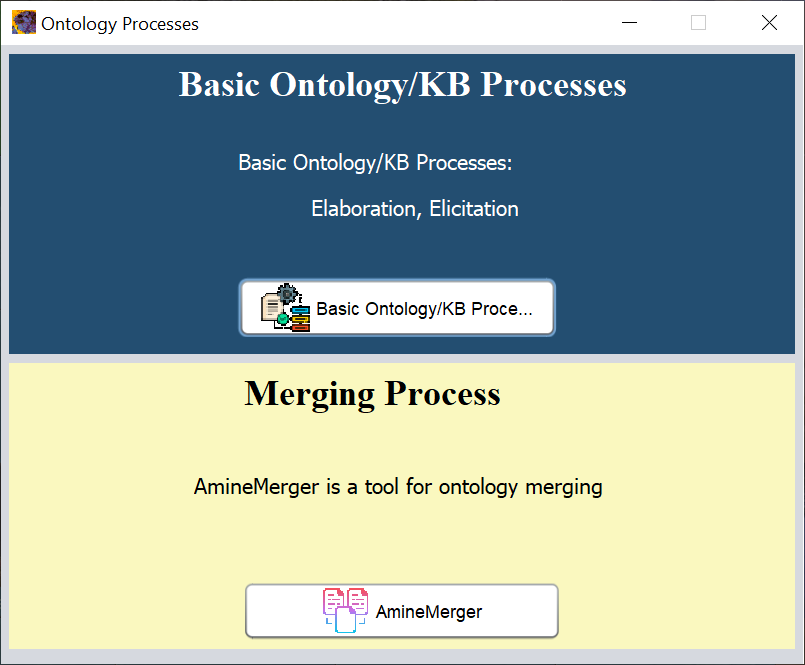
The bottom part is reserved for ontology merging process. Clicking on the button Amine Merger displays the next figure:
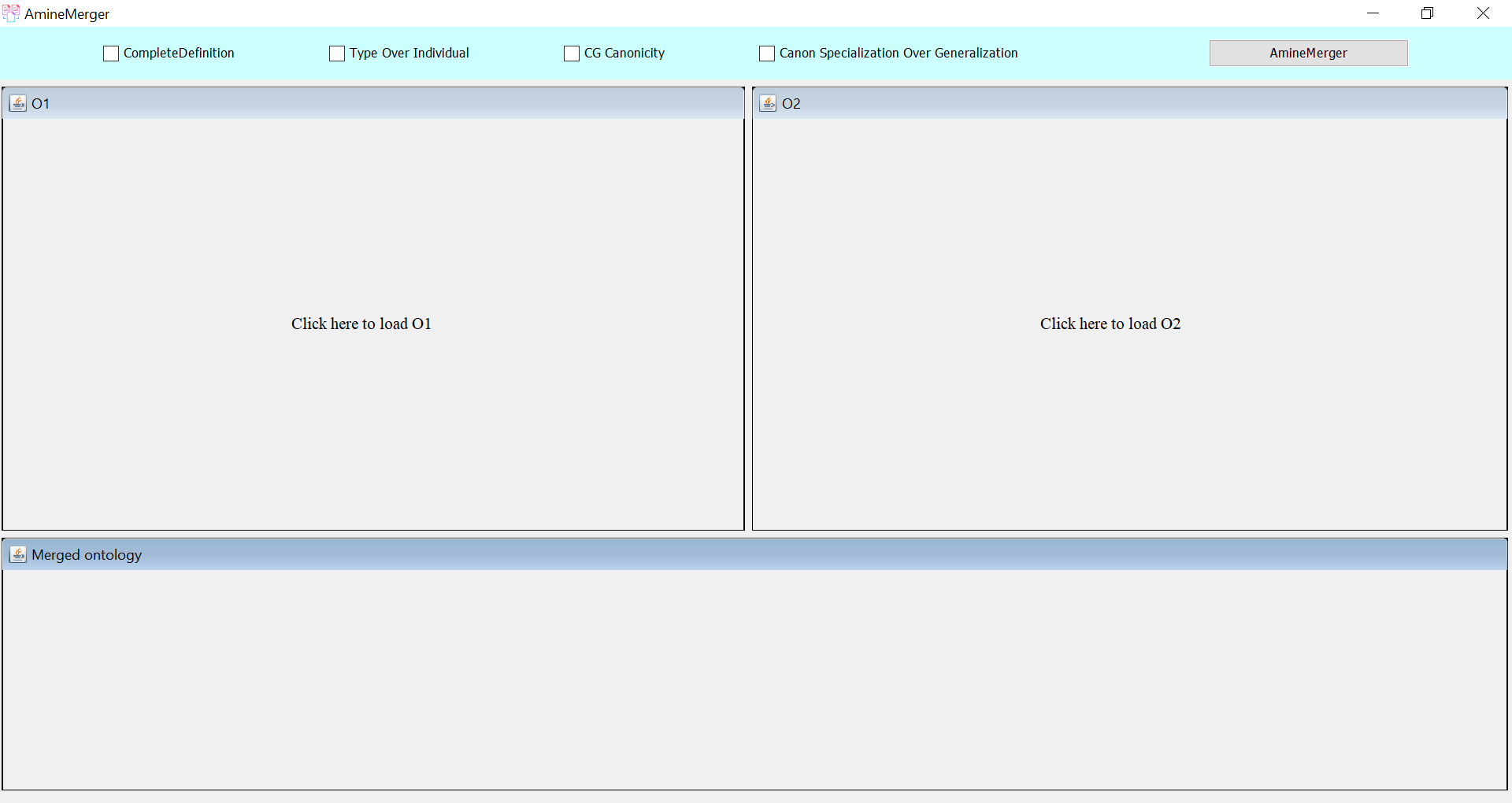
The user can load both source ontologies from his file system, then he can specify the parameters (Complete Definition, Type Over Individual, CG Canonicity, and Canon Specialization over Generalization) and lastly, on the right, we have the button “AmineMerger” that initiate the merging process. The paramerts are explained in detail in merging process.
As a final GUI, we have three panels, at the top left corner, we have O1, at the top right corner, we have O2, and at the bottom we have the resulting merged ontology O3.
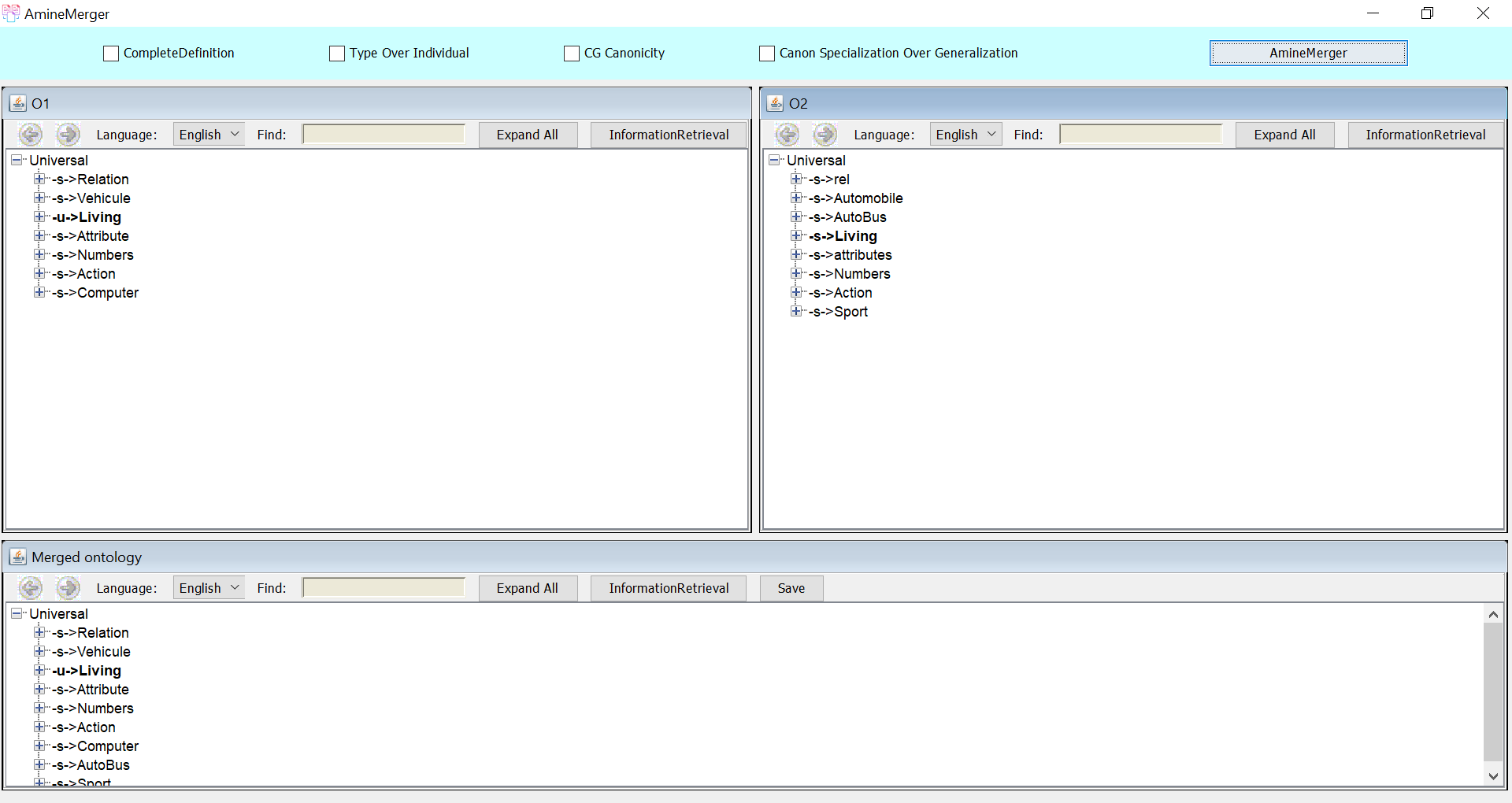
The button save, allows the user to save the resulting merged ontology.